
How to Buy (Shopping Guide)
Our shop has partnered with "Buyee" to deliver authentic Japanese Shodo art and tools to customers worldwide.
You can safely and securely shop in your local currency.
Step 1: Add Items to Your Buyee Cart
When you visit our product pages from overseas, the "Buyee Cart" banner will automatically appear.
Click the "Add to Cart" button within the banner to proceed with your international order.
IMPORTANT: Please ensure the store currency is set to Japanese Yen (JPY). Orders placed in other currencies may result in a transaction error.
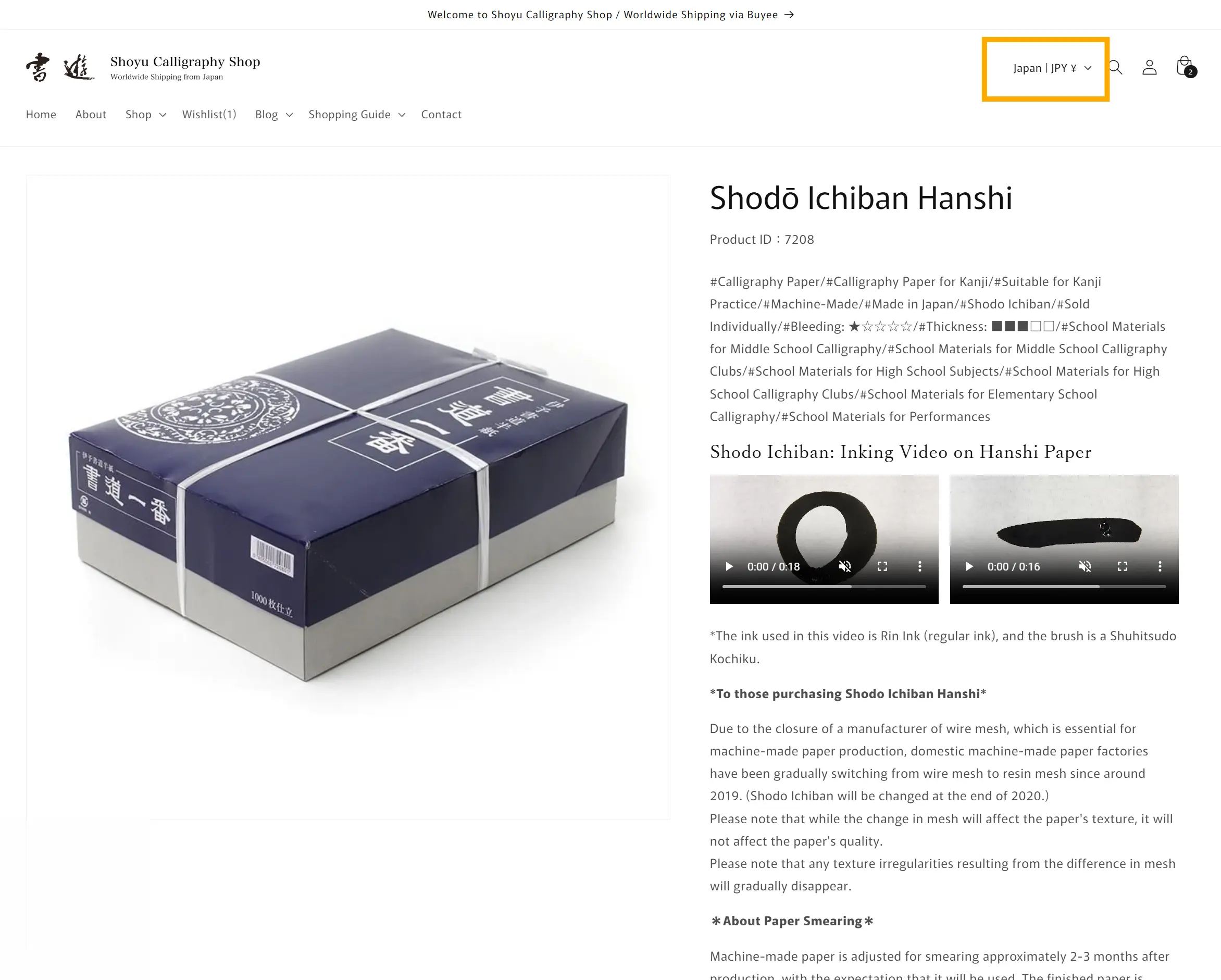
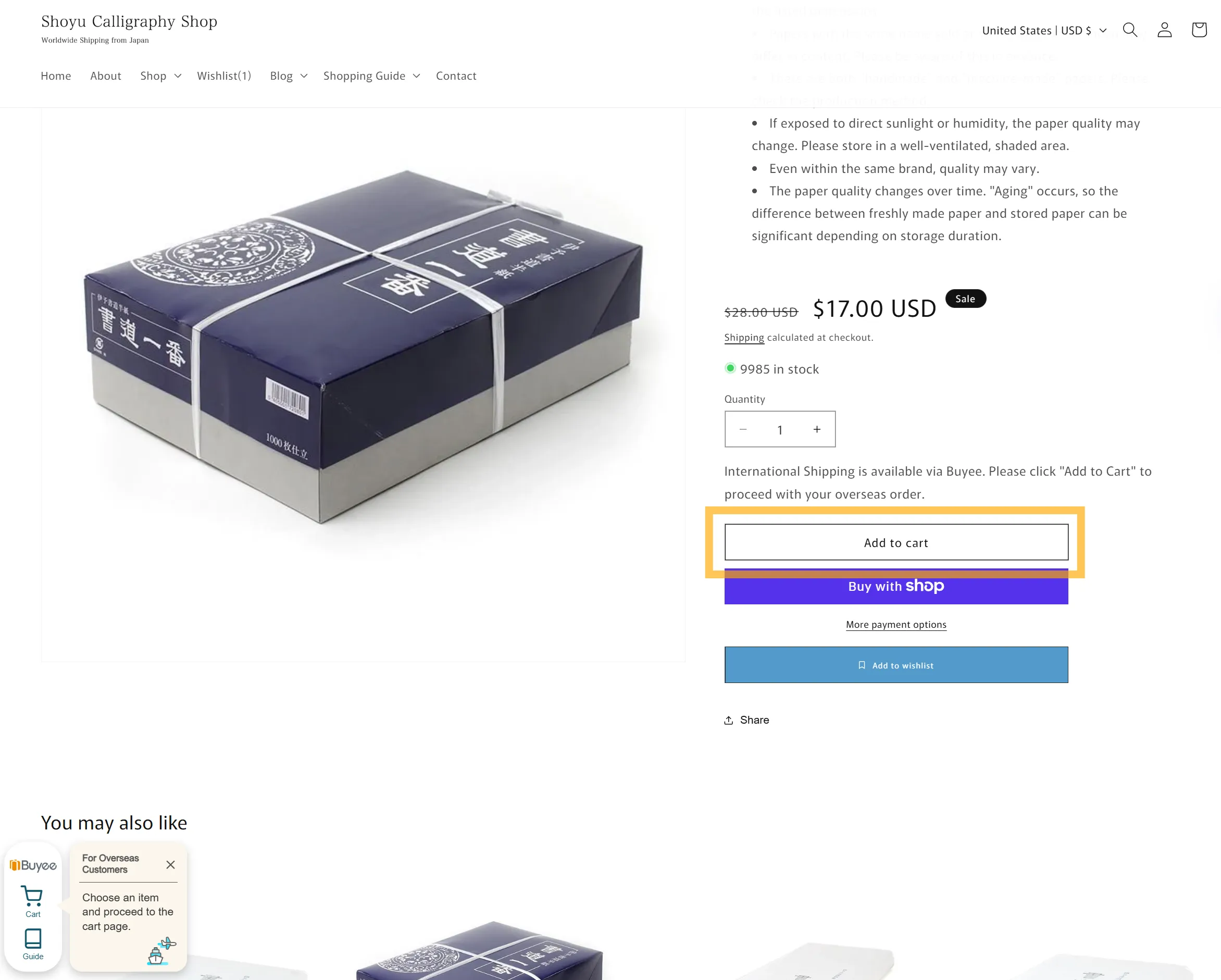
*Note: The red box is for domestic Japanese customers only.
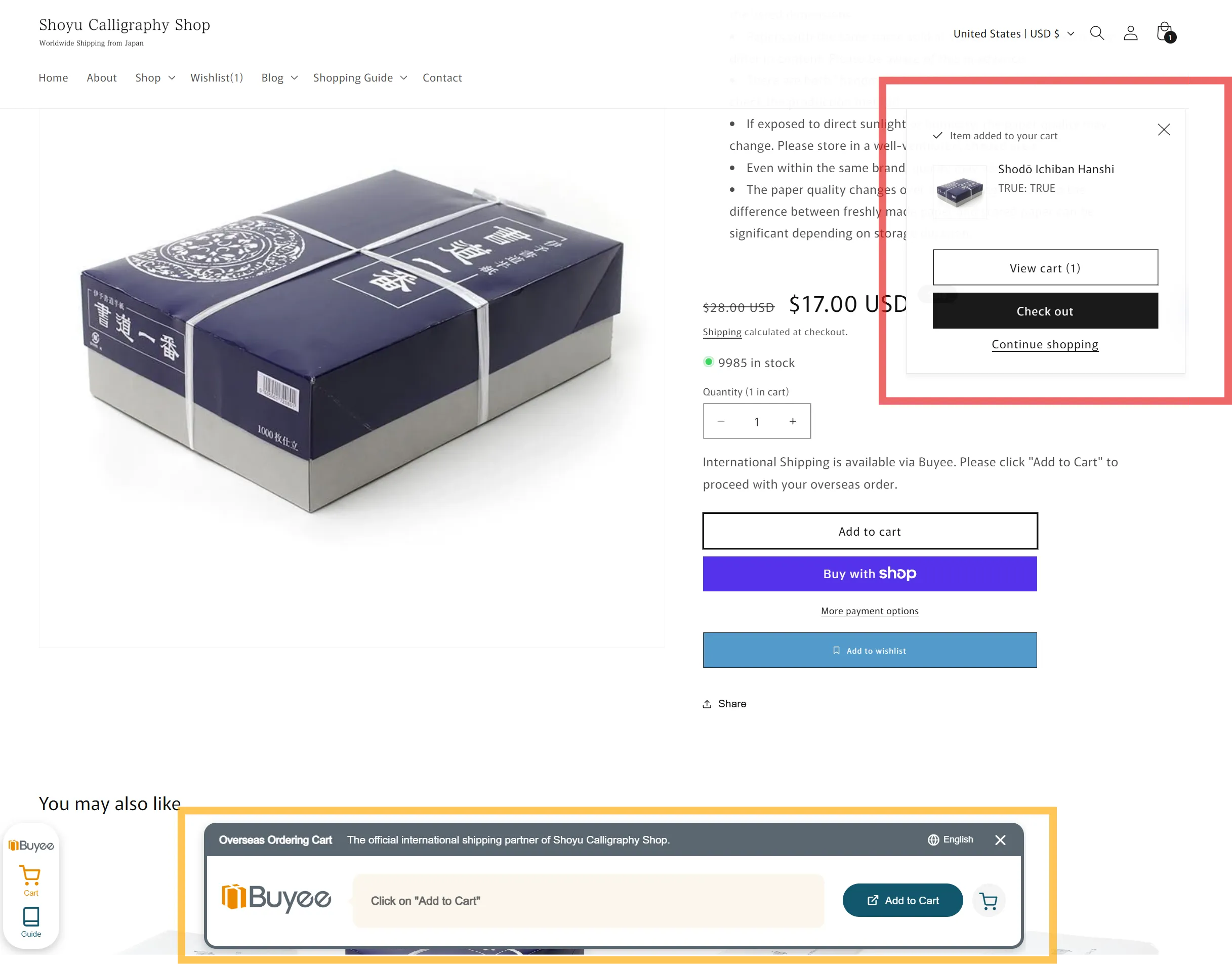
To return to our shop, click the text in the light blue box.
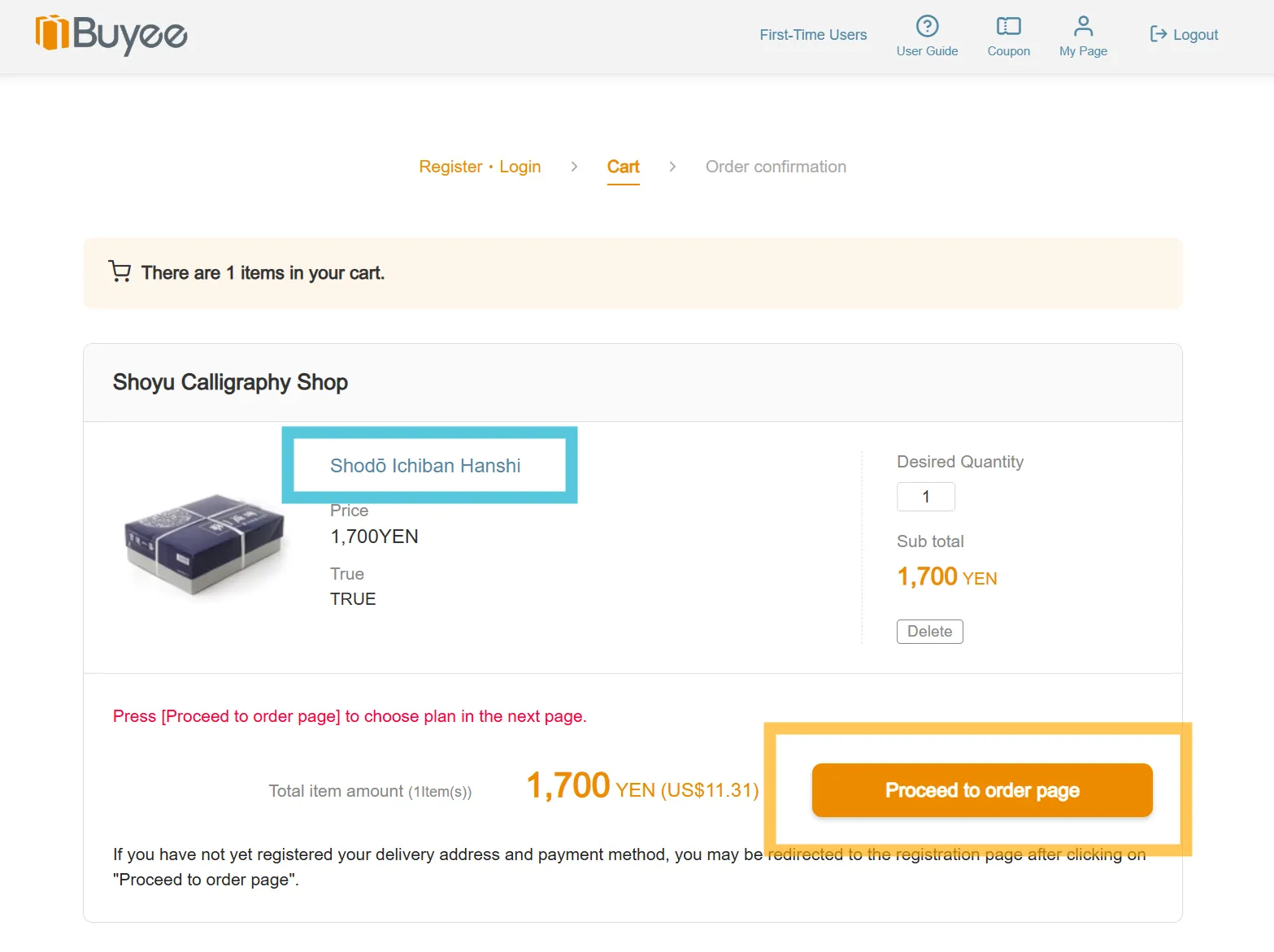
Step 2: Log in or Register with Buyee
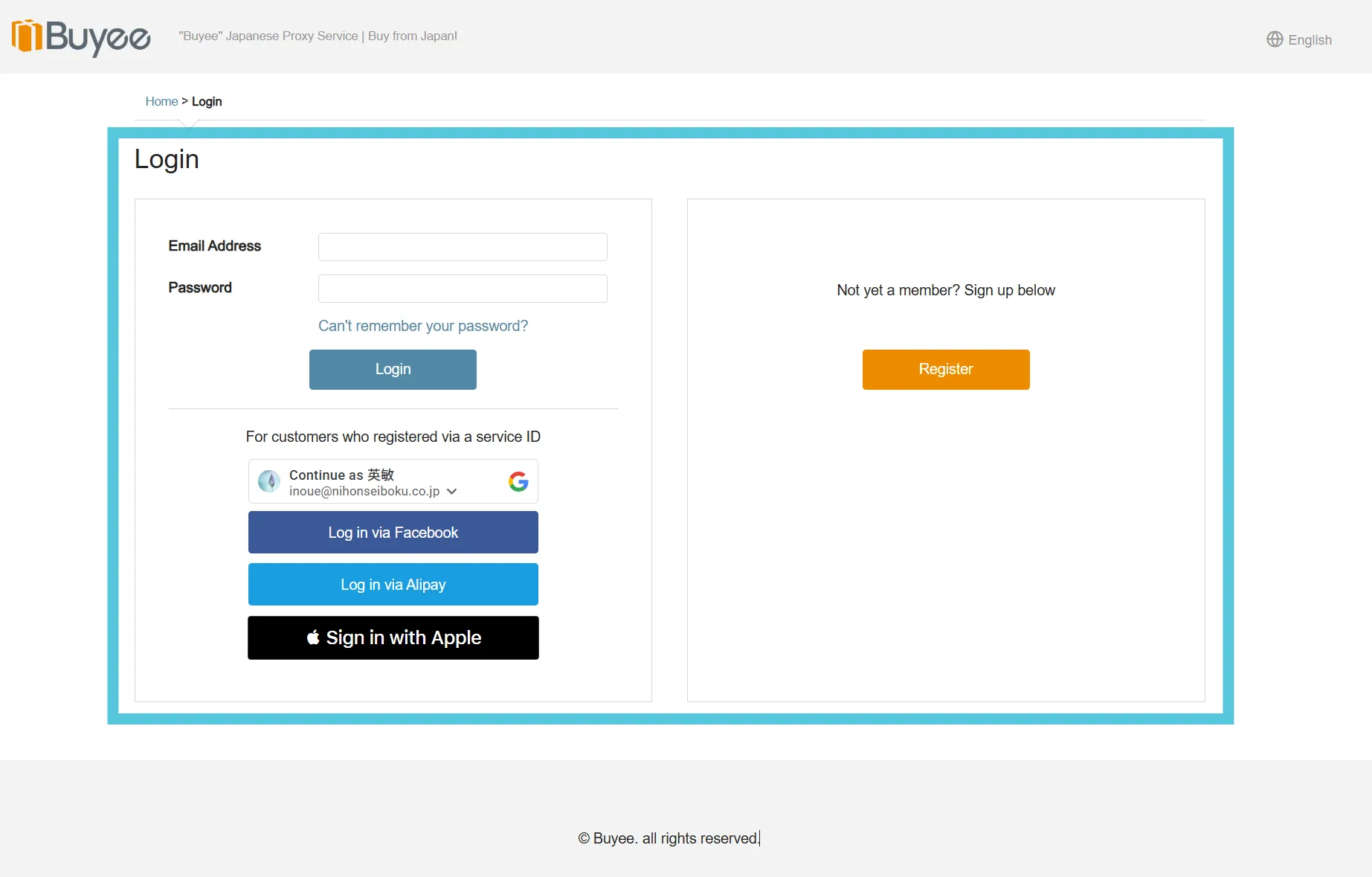
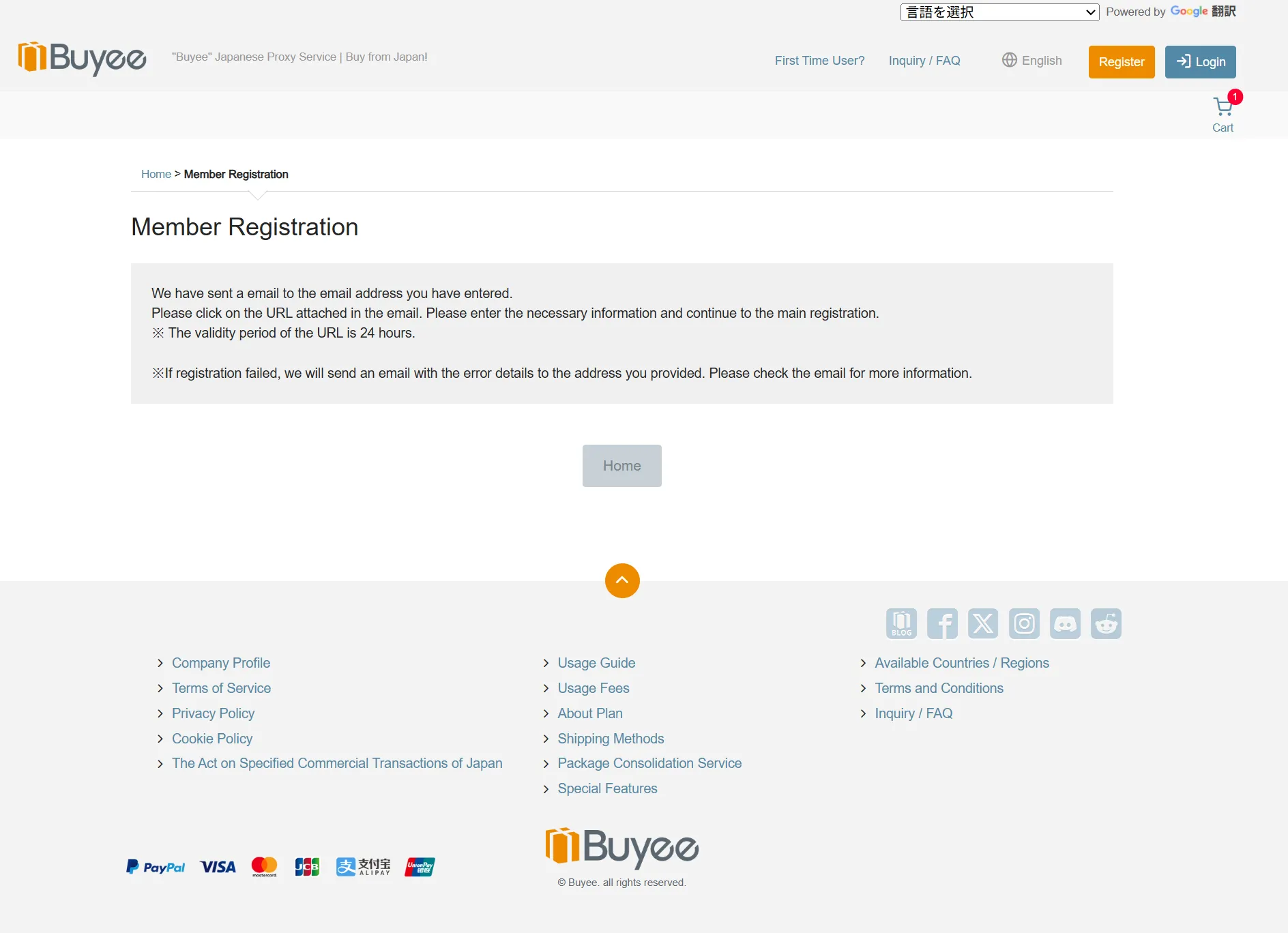
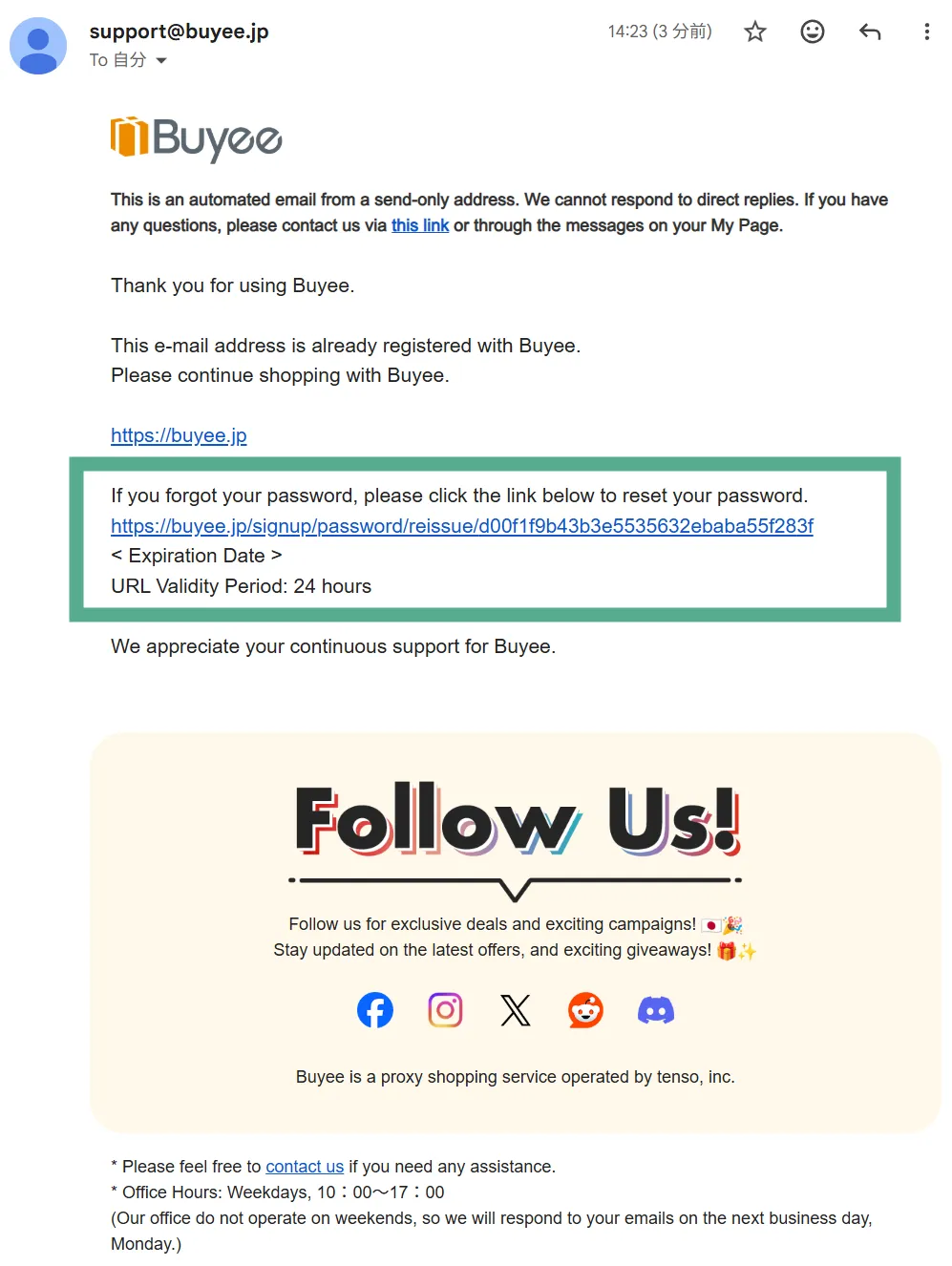
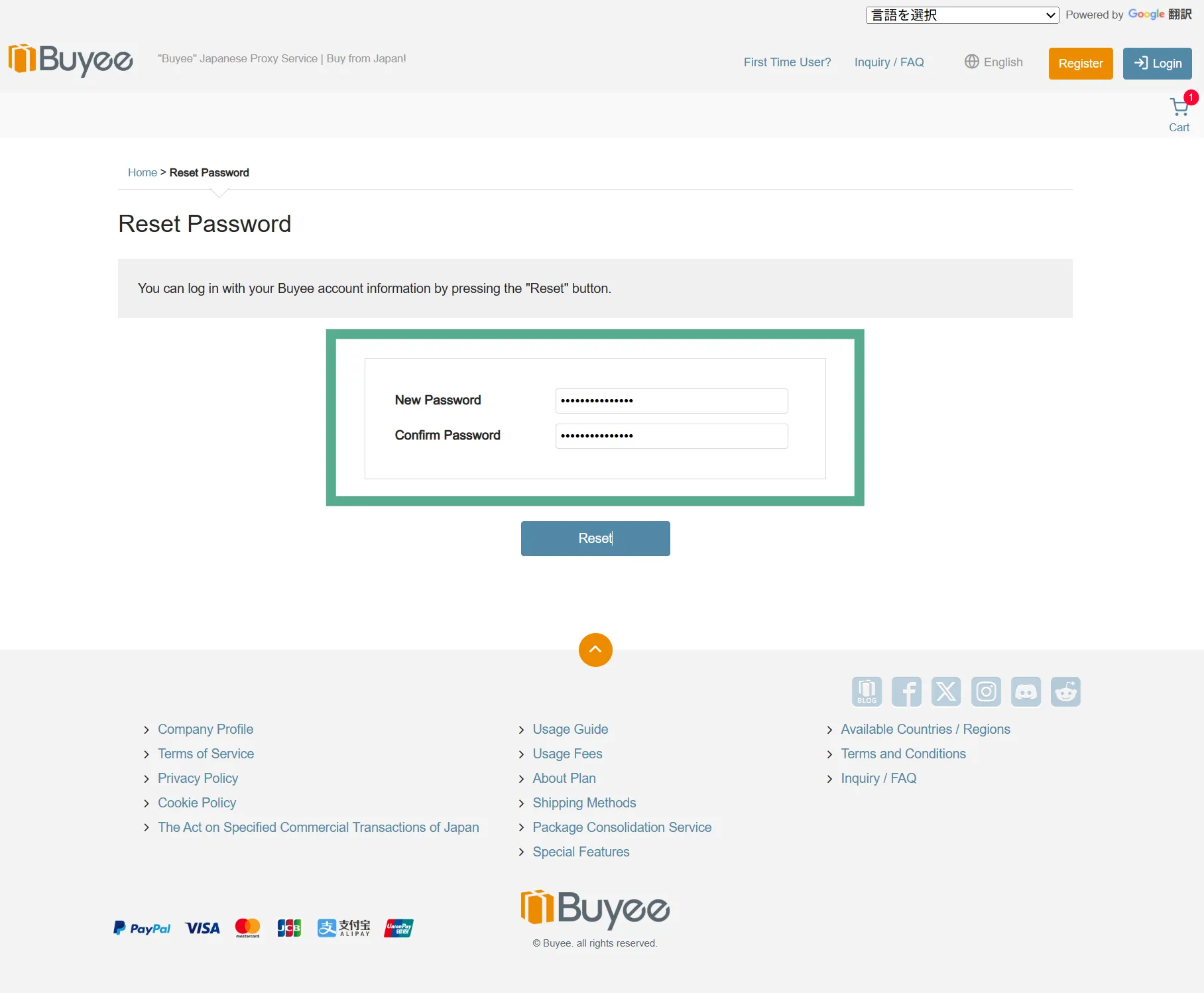
You will be redirected to the Buyee website to log in and complete your purchase.
For first-time users, Buyee requires you to create a free account during the checkout process to ensure secure international shipping.
Step 3: Completing Your Purchase on Buyee
After logging in to the Buyee website, please complete your purchase.
Buyee supports various payment methods including credit cards and PayPal.
Once your order is placed, Buyee will receive the item at their warehouse in Japan and ship it directly to you.
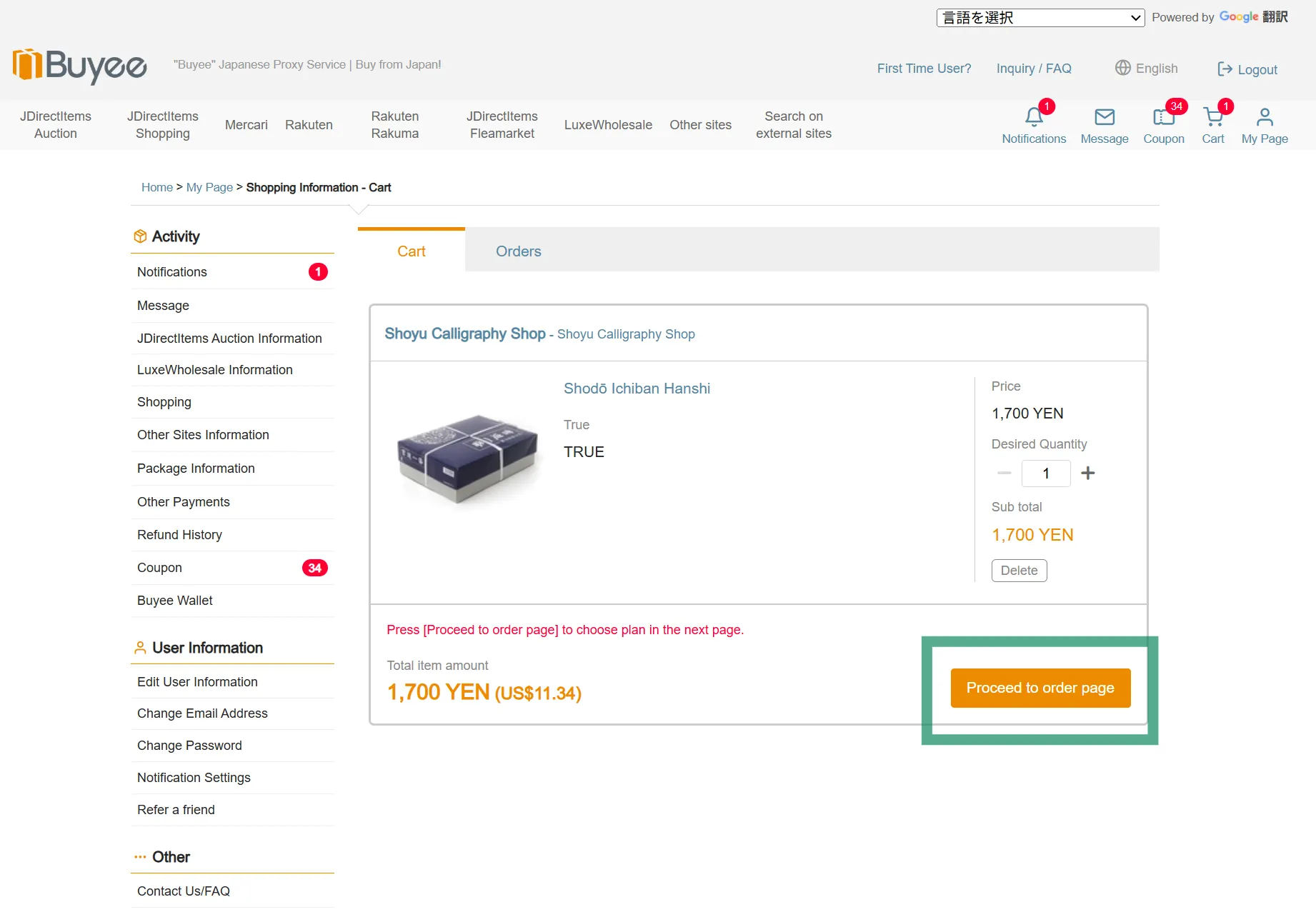
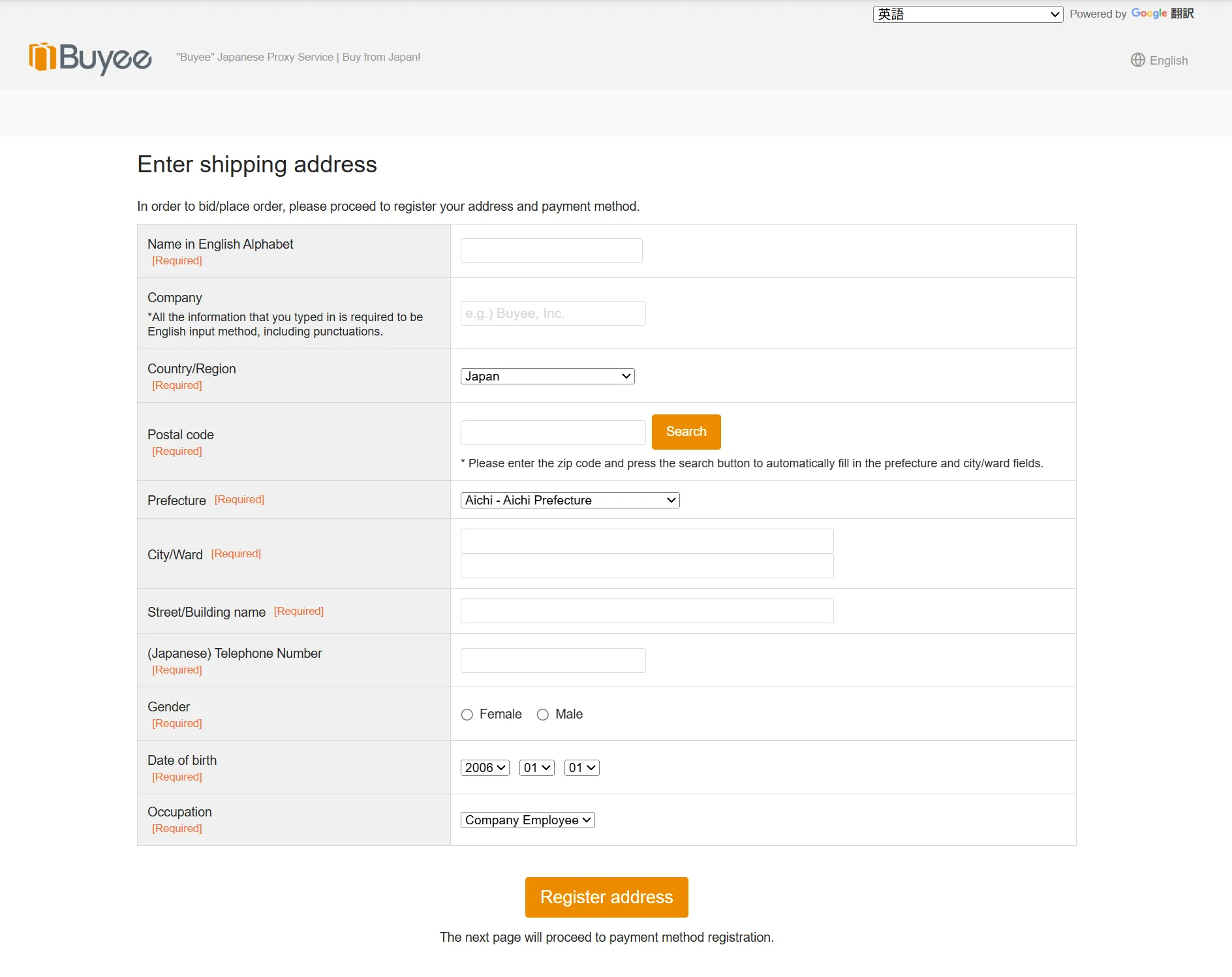
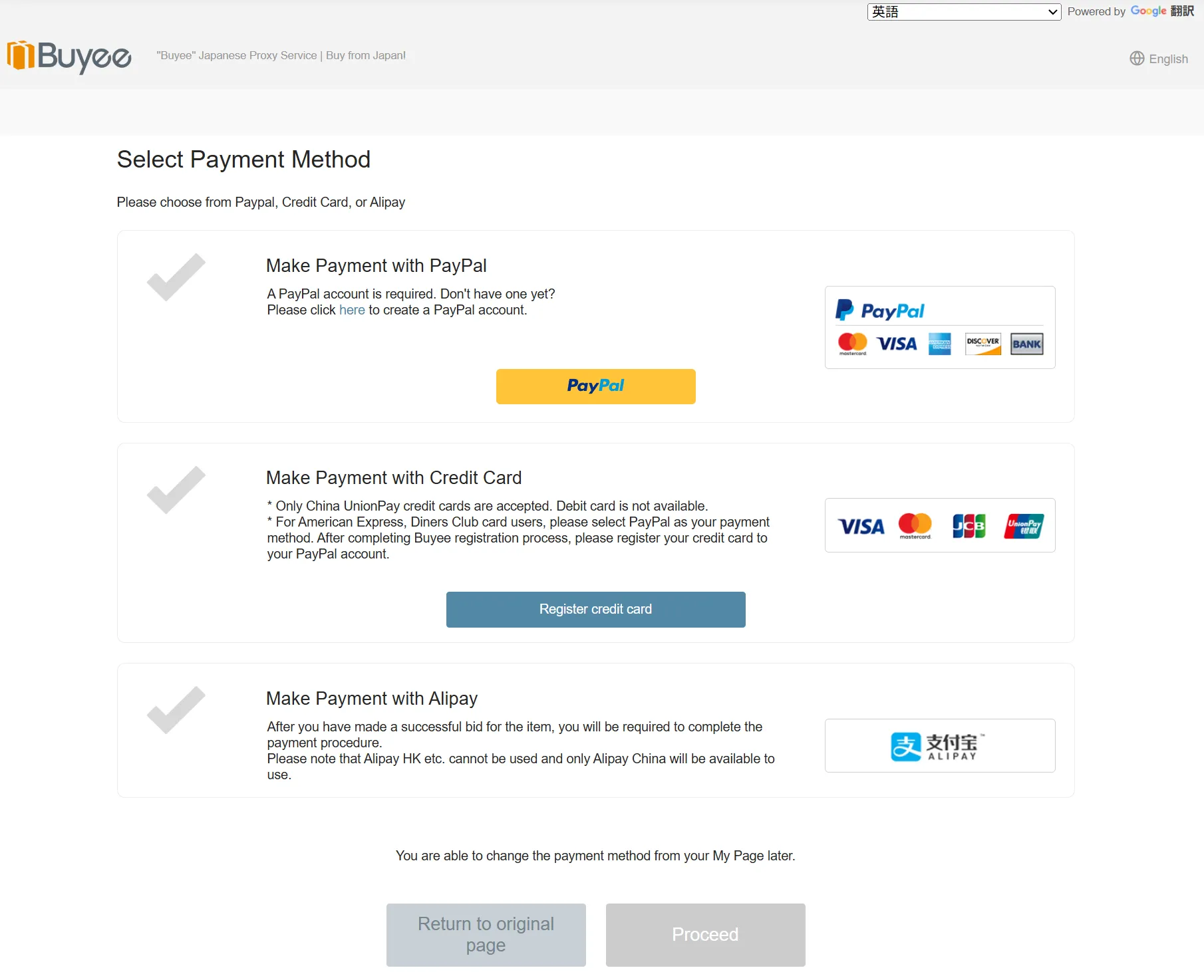
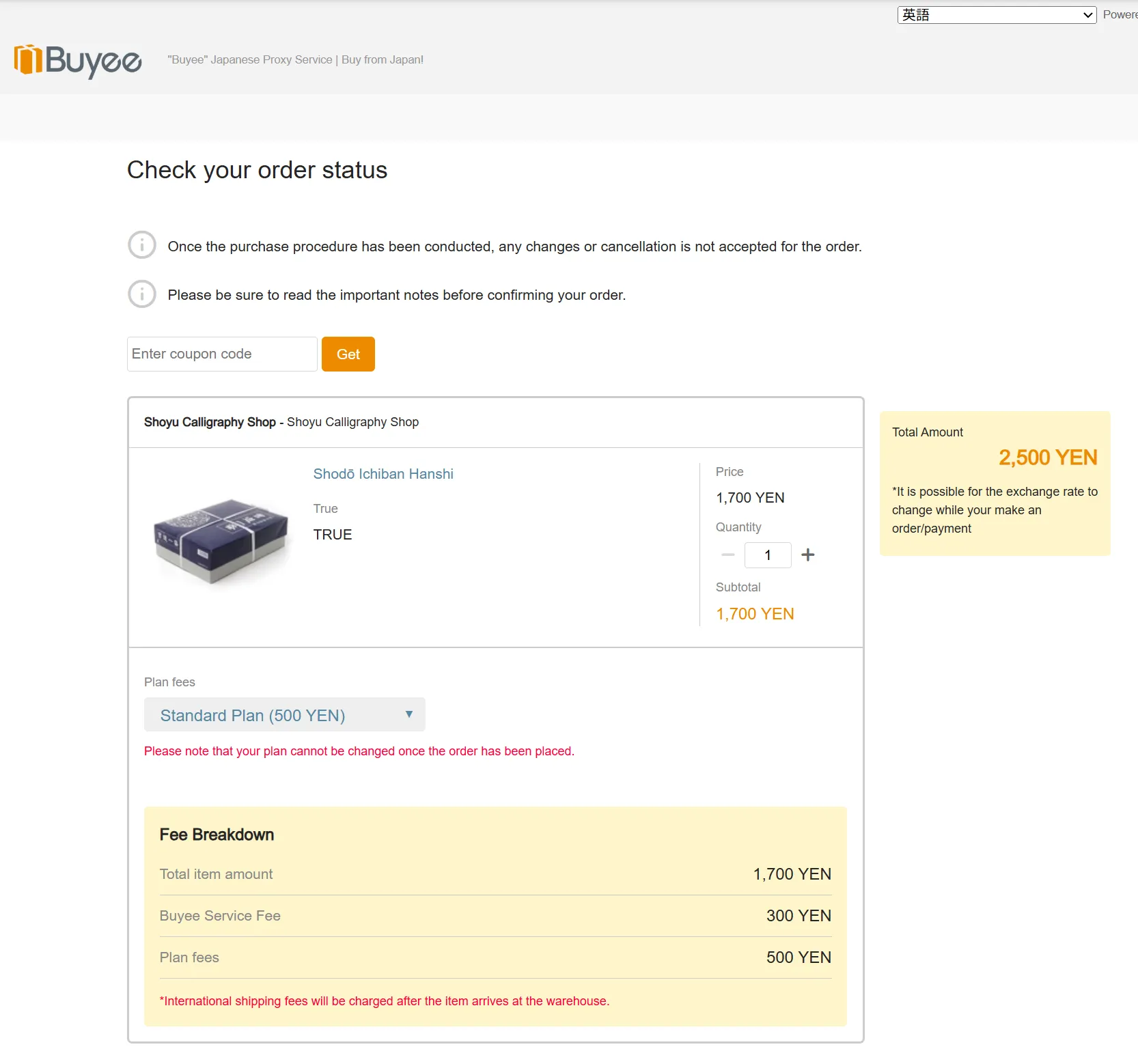
■ How to Check Your Cart
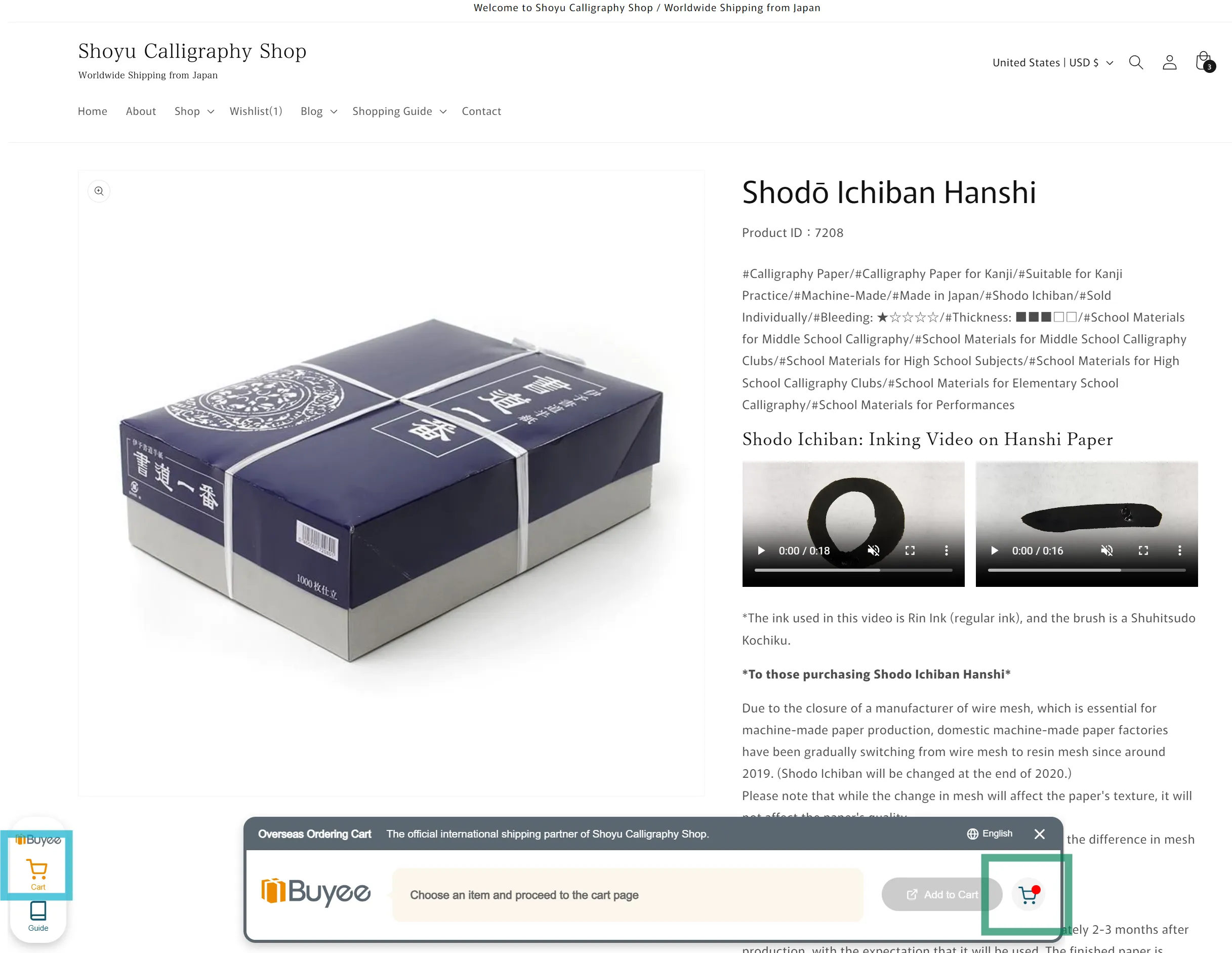
If you want to check the items currently in your Buyee cart, tap the cart button in the light blue box and click the green icon that appears.
■ About Shipping and Fees
Buyee offers various international shipping methods, including EMS, DHL, and FedEx.
- International Shipping Fees: Shipping costs and Buyee service fees are calculated and charged by Buyee.
- Customs Duties: Depending on your country, additional customs duties or import taxes may apply. These are the responsibility of the recipient.